Skip

ISH 2025 Contactor – Products, Exhibitors, Contacts

You can find the Interactive Hall Plan 2025 here.

OAS Open AutomationSystems GmbH

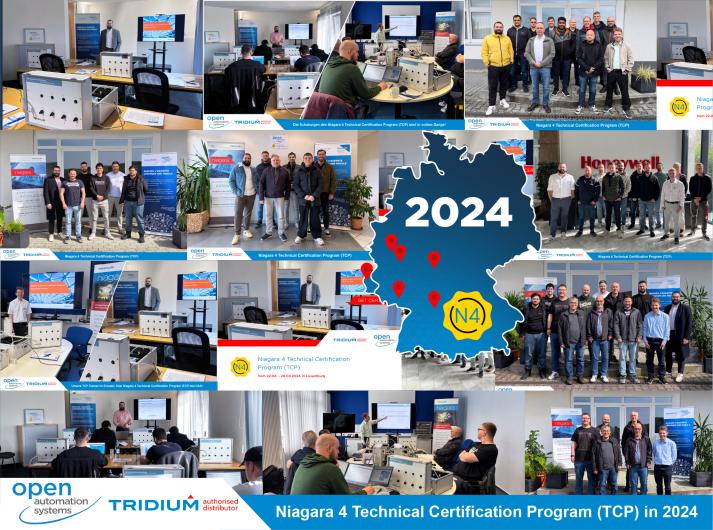
Niagara 4 Technical Certification Program (TCP)

Niagara 4 Technical Certification Program (TCP)

OAS Open AutomationSystems GmbH

Description

We offer training and education up to the Niagara 4 TCP- certificate individually.

In addition to technical basics, you will deal intensively with practical experience. In the seminar you will work with current equipment and systems. You will learn to understand the NIAGARA Framework fundamentally and to use it safely. For this we offer you two possibilities. The completion of the Niagara 4 Technical Certification Programm (TCP) Training ends with the official Tridium TCP certificate. For your successful participation in individual trainings and user trainings you will receive a certificate of completion "NIAGARA User Training".

More products by OAS Open AutomationSystems GmbH

OAS Supervisor Utilities Application

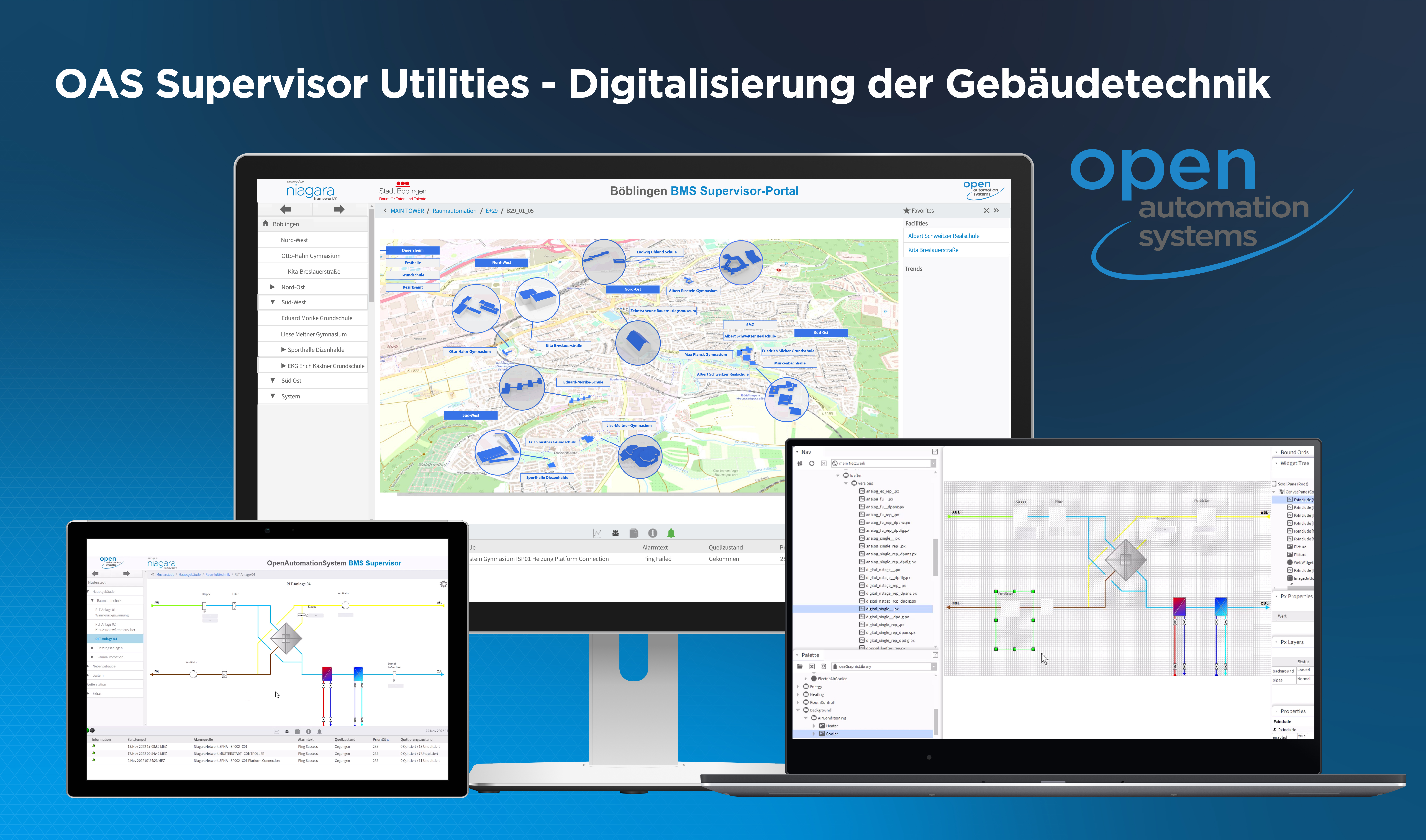
OAS Supervisor Utilities Application - the digitalization of building services.

You want to create very fast, super effective and structured BMS solutions with complex building and plant structures? With the "OAS Supervisor Utilities Application" you are able to do this. From simple Smart Buildings to complex Smart City or Campus solutions.

Embedded in the BACnet® certified Niagara Supervisor, the OAS Supervisor Utilities Application enables the rational, structured and semi-automated creation of an open BMS, energy management or SCADA solution. Whether local, stand alone on the customer server, in the customer data center or as a cloud-based portal solution, each solution provides secure, reliable and trouble-free plant integration with high ease of use.

The OAS Supervisor Utilities Application is a building management system (BMS) powered by niagara and is part of the OAS portfolio of controller/server products, software applications and tools based on the Niagara Framework®.

It offers intelligent functionalities on server level for structured and scalable integration of simple to complex plant, campus, building and facility structures across all trades of TGA. The also freely scalable integration of networks from integration platforms such as JACEs, Niagara Edge or third-party systems are part of the OAS solution for the rational establishment / creation of a BMS or SCADA solution according to customer requirements.

OAS Graphic Library

Standardized graphics to work with in Niagara Workbench

OAS partners and users use the OAS Graphic Library to rationally create standardized and complex graphics of energy and building management systems. Working with OAS Supervisor Utilities within Niagara Workbench becomes even more effective with the "Graphic Library". The Library provides widgets with a modern user interface for selecting functions and properties.

A prominent application example for the OAS Graphic Library is the MAIN TOWER in Frankfurt. In order to improve energy efficiency, a comprehensive modernization of the building control system as well as the building and room automation was started in 2022.

For programming and development of the user interfaces and integration levels, the potential of the "OAS Supervisor Utilities Application" can be used. All floors and trades can thus be found quickly, and the systems and functions can be operated safely. The library of standardized graphics contributes significantly to the efficient programming of the BMS interface.

In order to make the best use of all the innovations of OAS Supervisor Utilities and to display them in the best possible way, our "Graphic Library" uses the latest web technologies offered by the Niagara Framework®.

OAS WEB-plant configurators

BMS project planning in the cloud: OAS Supervisor Utilities supports import of BMS graphics

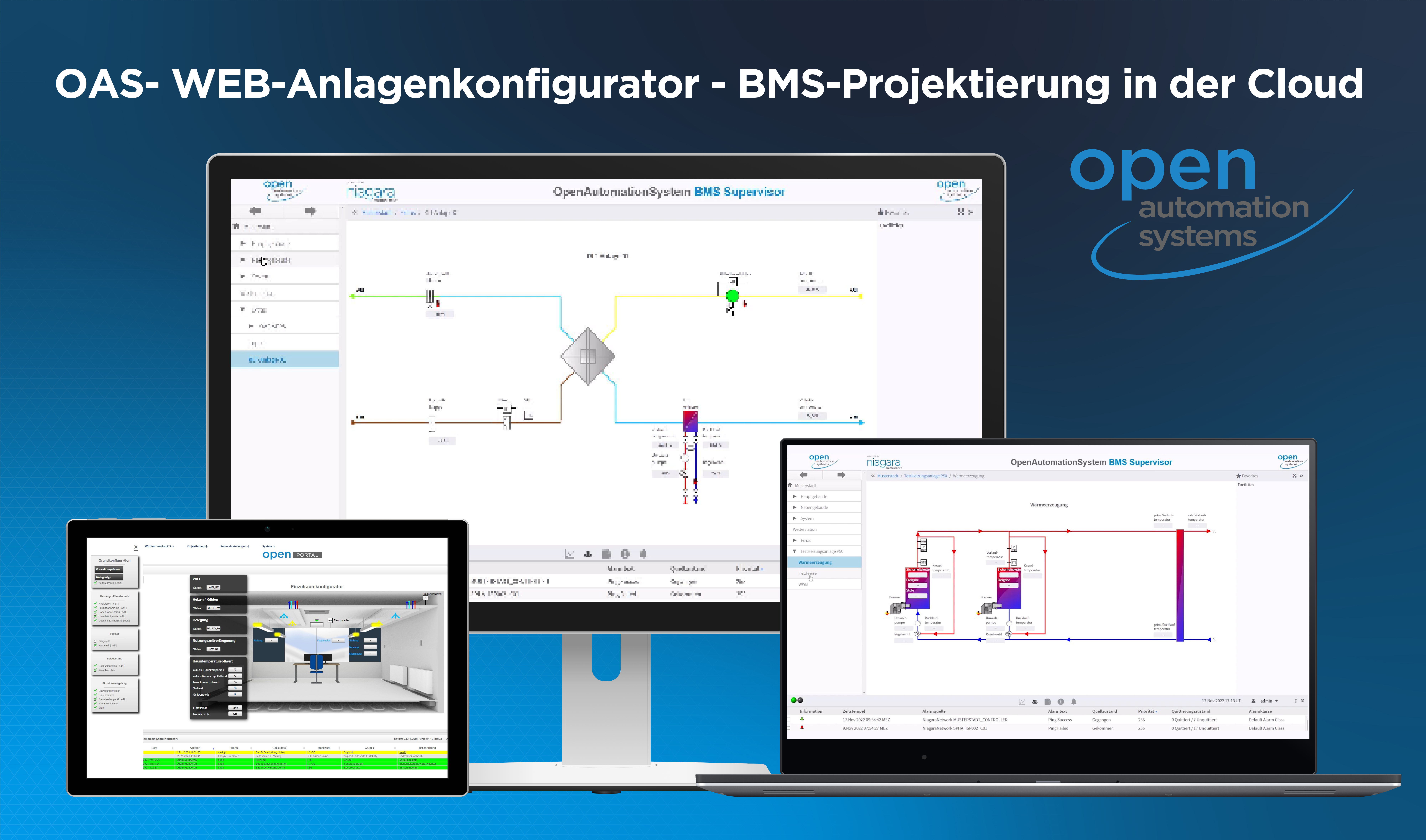
The OAS System Configurator can be used to create BMS graphics for visualization of the Building Management System in the cloud. Within our OAS portal solution, OAS partners have access to the System Configurator. There they can project any BMS plant graphics via their browser. These are imported into the Niagara BMS Supervisor solution via the OAS Supervisor Utilities.

With our cloud solution, BMS graphics for heating systems, ventilation systems and smart rooms can be created and configured in the OAS System Configurator.

Heating System Configurator

For the project engineering of heating systems, much information about location, ISP, name, variables, heat generator and heating circuits can be specified at the start. In the next step, more detailed information about the previously specified number of heating circuits is requested.

As soon as all configurations, selection options etc. are filled in, the finished configured heating circuit or heating system is displayed in the next step.

The completely configured system is saved under "My systems". This way, you do not lose track of already configured systems. Within this overview, the systems can be displayed, edited, deleted, or exported - for example, for import via OAS Supervisor Utilities into the Niagara BMS Supervisor.

Ventilation Systems Configurator

As in the Heating System Configurator, information for creating the system is first requested here at the start.

The system data and project data can be filled in, changed, and deleted in the administration data before, during and after configuration. The system is saved under these names.

In the Ventilation System Configurator, there are eight different configuration options that can be selected one after the other. In the basic configuration, the settings of the system type are made. Here, for example, the exhaust air duct, the fresh air duct, etc. can be precisely positioned and additional systems such as recuperative systems, rotary heat exchangers or crossflow heat exchangers can be added.

In the System Configurator the parameter configuration can be done directly. Within the individual menus, the individual control elements, sensors, and actuators can be added and adjusted.

Smart Room Configurator

Our Smart Room Configurator is a quick and easy tool for designing and digitizing individual rooms. The visualization supports engineering, monitoring and changes of use. All parameters are captured at a glance and can be changed quickly.

The graphical representation of a room is composed of the various trades involved. Lighting scenes, heating and cooling systems, motion detectors and all other components can be integrated. All available data is read out, evaluated, and graphically interpreted in such a way that the visualization is transparent and quick to understand.

There are no limits to the visualization of building technology at room level. Standardized representations are just as possible as customized designs. From uniformly standardized room representations to complex properties, all requirements for intelligent room control are covered.

OAS I/O WEB Module Configurator

OAS I/O WEB Module Configurator

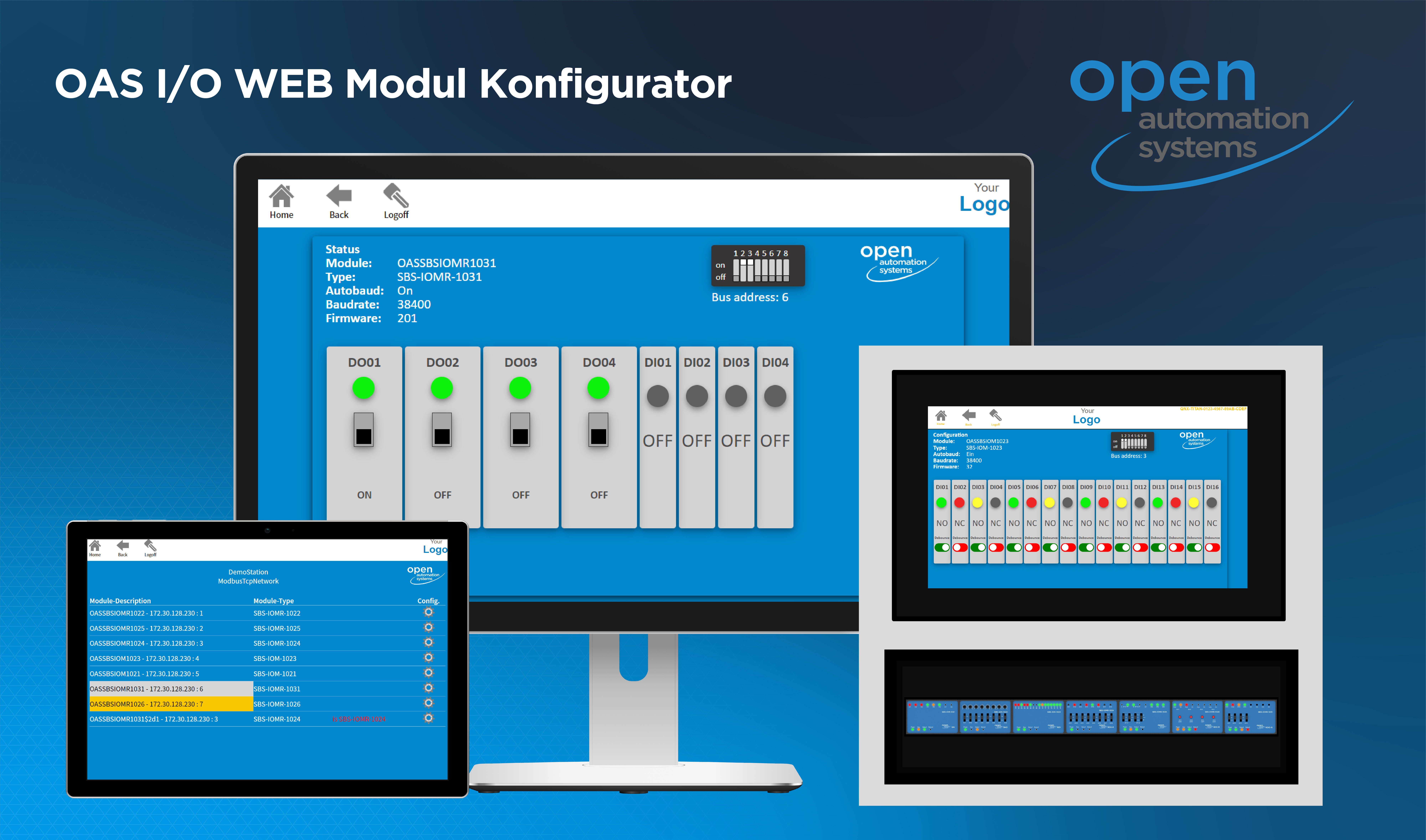
The OAS I/O WEB Module Configurator is based on the OASModbusUtilitiesAsync software module.

Simple, transparent, effective. The SBS I/O fieldbus modules enable the connection of digital or analog input and output values with the Modbus protocol. All necessary communication settings are made simply, transparently and effectively with the OAS I/O WEB Module Configurator.

The OAS I/O WEB Module Configurator is used to configure communication with the controller in automatic mode via the RS 485 interface. The OAS I/O WEB Module Configurator is therefore also a key to integrating the I/O fieldbus modules into the Niagara platform. The configurable settings depend on the respective type of fieldbus module: digital or analog - depending on the type of inputs and outputs, the color change and LED color for signaling active digital inputs and outputs can be set, the switchover between normally open and normally closed, the feedback protection, the activation of the safe position in the event of faults in the bus system, the setting of analog characteristic curves, etc.

All communication settings are configured conveniently and semi-automatically via the OAS I/O WEB module configurator on the Niagara automation platform.
Configuration, monitoring and control of the inputs and outputs is carried out in automatic mode via the RS 485 interface.

The 4 updates of the OAS I/O WEB Module Configurator

Big news for our OAS I/O WEB Module Configurator! We are pleased to present you exciting updates:

Integration of the SBS IOM I/O modules: Now you can use the OAS-SBS-IOMR-1026 and OAS-SBS-IOMR-1031 modules directly in our configuration software.

Modbus TCP: The configurator is now TCP/IP-capable and compatible with the Modbus TCP gateway.

I/O Test: With the I/O Test you can test all modules bidirectionally, perform switching operations and check messages.

More information about ISH